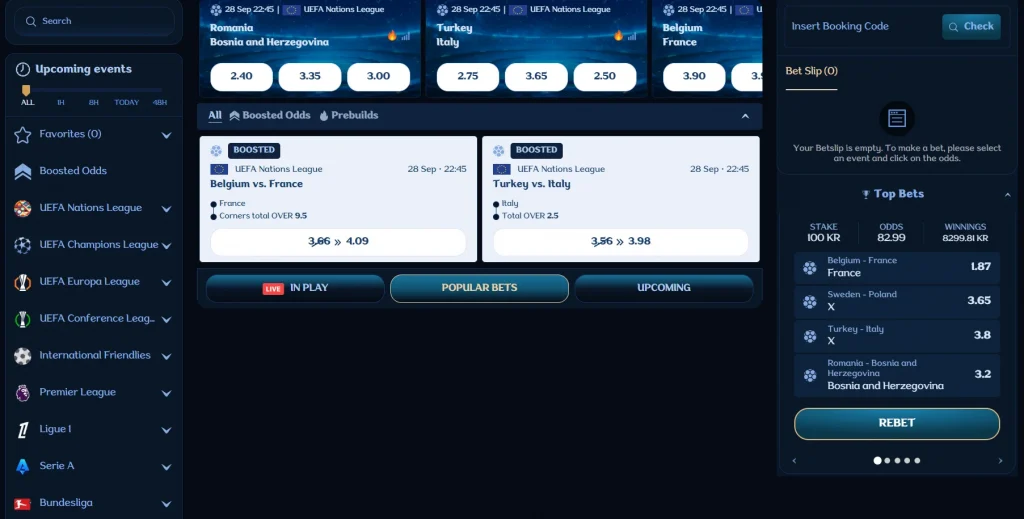
Millioner Mobile Casino: Browser Access and App Status
 Available in AU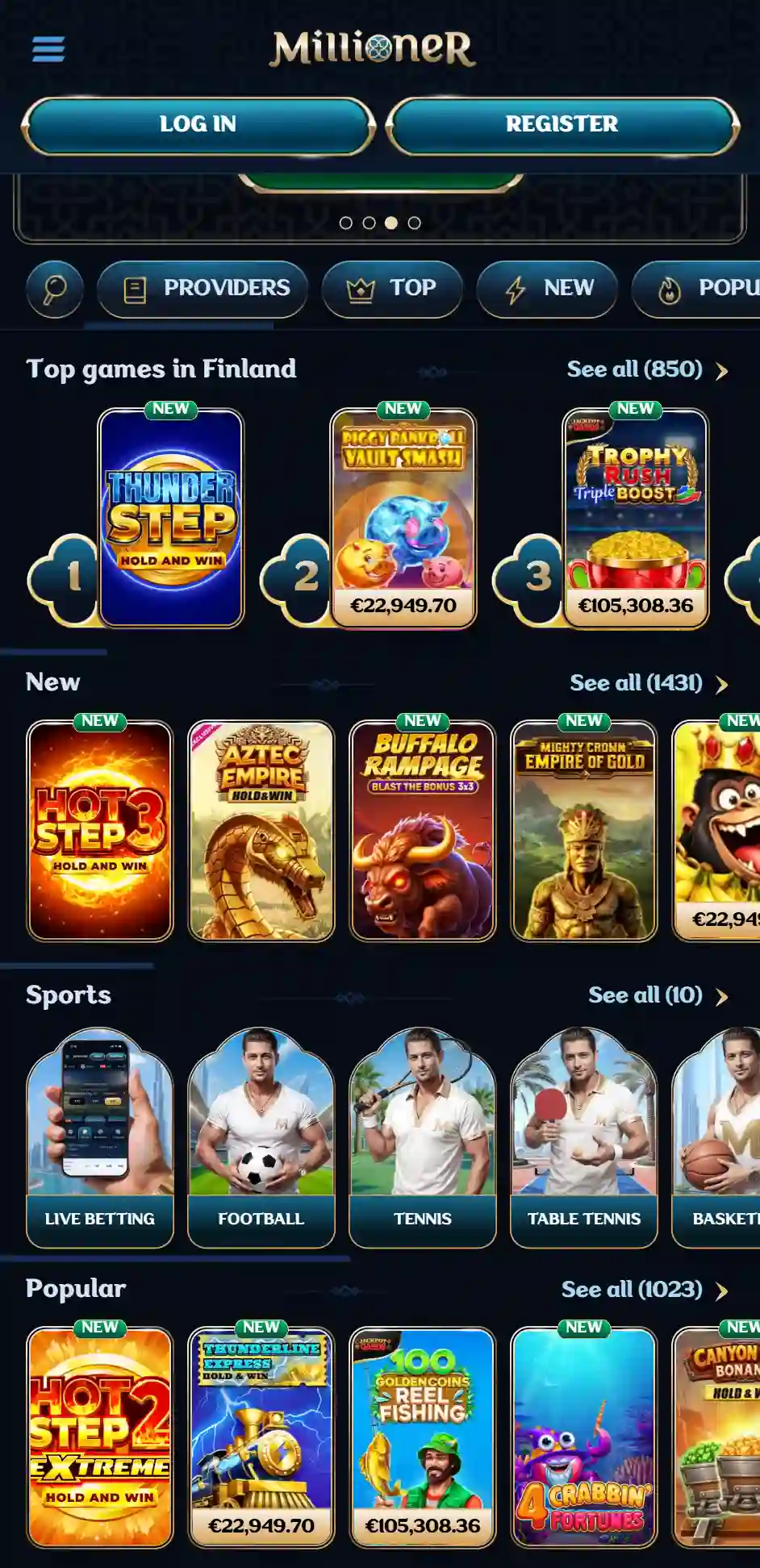
Contents
Millioner works as a mobile-browser casino, but the operator’s own current English site says it does not have a dedicated app. That is the most important distinction for anyone searching for a Millioner casino app on iPhone or Android. The AU site is mobile-oriented and also exposes a “Create Shortcut” option, but a home-screen shortcut is not the same thing as a native App Store or Google Play application.
Browser access reaches Millioner’s casino, live casino, sportsbook, cashier entry points, account area and support from a phone. The confirmed route is the mobile website; no official-store evidence for a native iOS or Android app was established, and APK links are excluded.
Is there a Millioner casino app?
The strongest current answer comes from Millioner’s own site: it says the service is optimised for mobile devices and that there is no dedicated app. That operator statement carries more weight than third-party app claims lacking a verified official store listing.
Here, “app” means a native application distributed through an official platform such as Apple’s App Store or Google Play. The verified delivery model is browser-based; a home-screen shortcut simply opens that website. Keeping those labels separate prevents users from downloading software from an unofficial source because a review used the word “app” loosely.
Any future native-app claim should rely on a verified official store listing. Until then, browser access is the confirmed route. For the wider product picture, return to the Millioner Australia review.
What the AU mobile site actually exposes
The current Australia-facing site presents Casino, Live Casino and Sports navigation alongside account entry points such as Log in and Register. It also links to Help Centre and Live Chat. The same public navigation includes game categories such as Pokies and Table games as well as live-casino categories and sportsbook sections.
The mobile browser provides access to the main product areas, account tools and support. It is the front door to the same main product families available across the website. For a deeper view of the game catalogue, see Millioner pokies. For payment-specific questions, use the Millioner deposit methods Australia.
Because the site is dynamic, exact game counts, featured titles and promotional banners can change. The useful mobile question is therefore not whether a particular tile appears today, but whether the core navigation, account controls and transaction areas remain usable in a small-screen layout.
Create Shortcut is not a native app
The Millioner AU footer currently includes a “Create Shortcut” entry. On modern phones, a shortcut can place a website icon on the home screen and open the site with fewer taps. Depending on browser behaviour, it can feel app-like because an icon can launch the site directly.
That convenience does not change the underlying delivery model. The content is still the Millioner website loaded through web technology. A shortcut creates only a home-screen entry; official-store review and a separate native package would require independent evidence.
This distinction is especially useful for security. If you only need one-tap access, the official site’s own shortcut function avoids the need to hunt for third-party downloads. An external APK or configuration profile is a separate software decision outside the verified mobile route.
iPhone and iPad access
On iPhone or iPad, Millioner’s confirmed route is the mobile website. Open the official AU URL in a modern browser, sign in through the site and use the responsive navigation. For a home-screen icon, use the official shortcut or the browser’s own add-to-home-screen feature.
The practical advantage of browser access is that updates happen on the server side. Navigation or game-category changes can appear as soon as the website is updated. The trade-off is that browser behaviour can depend on Safari settings, cookies, pop-up handling and the connection quality at the time.
For account tasks such as registration or KYC, stay on the official domain and avoid sending personal documents through unofficial apps or messaging services. The Millioner verification explains the account-verification side of the mobile journey.
Android access
Android users can also reach Millioner through the mobile website in a modern browser. APK distribution remains outside the verified route because no official Google Play listing was established and the operator’s current site says it has no dedicated app.
That point matters because Android makes manual installation technically easy. An APK can be distributed from almost anywhere, but the ability to install it says nothing about who built it, whether it is current or whether it has been modified. Because the verified product works in the browser, unverified software adds avoidable risk to basic access.
If Millioner publishes a first-party Android application later, the correct evidence would be an official Google Play listing or a clearly verified operator distribution page. Until that evidence exists, the mobile browser remains the cleanest confirmed route.
Mobile game discovery
The AU site currently exposes Pokies, Table games, jackpots and a set of Live Casino categories, so there is plenty of navigation depth before opening an individual game. On a phone, the usability question is how quickly you can move from the top-level menu to the desired category while keeping account and support controls easy to reach.
Pokies are naturally suited to vertical discovery because users can scroll through tiles and filters. Live casino needs a little more attention because video tables can consume more bandwidth and screen space. Rotating the device can improve some game interfaces, but the exact game window comes from the provider and may behave differently from Millioner’s surrounding navigation.
Check the desired title on the actual phone and browser because mobile availability can vary. The site can list a game while the provider still applies device, browser or regional conditions. If a title fails to launch, test another browser or check the provider message before assuming the whole mobile casino is unavailable.
Mobile live casino
Millioner’s AU navigation currently includes dedicated live categories such as Roulette, Blackjack, Game Shows, Baccarat and Dice, Poker and International Tables. That makes live casino a first-class part of the mobile menu rather than an obscure subpage.
Live dealer play is more demanding than static lobby browsing. A stable connection, sufficient battery and a screen size you can read comfortably matter more here. Video quality can adapt to bandwidth, and provider interfaces may include chat, betting panels or table histories that compete for limited space.
If live casino is your main reason for using a phone, the dedicated live-casino section explains category depth. Access method is the focus here; individual live tables are covered separately.
Cashier and account tasks on mobile
Mobile access is useful only if the account journey extends beyond game browsing. Millioner’s public site provides account entry points and a payments area, while its support routes include Live Chat. In practice, users may need to move between the cashier, KYC messages and support in one session.
That is where browser tabs can be helpful. Keep the official Millioner page open while checking a payment-provider confirmation in another tab, but avoid leaving identity documents exposed in shared photo libraries or cloud-synced folders. If the account asks for verification, use the official account or support channel for document submission.
The payment options themselves can be dynamic. For current Australian payment methods, the live cashier carries more weight than a static list copied from an older review.
Support on a phone
The current AU site shows Live Chat, and Millioner’s official About page lists [email protected]. Those routes can be used from a phone without a dedicated app. If a problem occurs while you are logged in, live chat has the advantage that you can describe the screen in front of you. Email provides a durable written trail for issues that require follow-up.
Use official browser, account and support routes; third-party support apps or remote-access tools add security risk. The verified support routes already exist on the official website. For sensitive account questions, keeping the conversation inside those channels reduces the risk of sending personal data to the wrong destination.
Browser versus native app: what you actually gain and lose
| Feature | Millioner mobile browser | Native app status |
|---|---|---|
| Casino and live casino navigation | Available through the responsive site | No dedicated app claimed by the official site |
| Sports navigation | Available from the AU site | No verified native listing established |
| Home-screen access | Create Shortcut is exposed | Shortcut is not a native app |
| Updates | Site changes appear without store updates | Not applicable while no dedicated app is verified |
| Installation risk | No APK required | Unofficial APK links are excluded |
For most users, the practical benefit is simplicity: open the official site, optionally create a shortcut and avoid installing unverified software. A native app could offer operating-system-specific features, but it should not be invented just because the site is mobile-friendly.
Mobile security checklist
- Use the official Millioner domain. Check the address before logging in or uploading anything.
- Prefer the browser route. It is the confirmed access method and requires no unofficial APK.
- Use Create Shortcut only from the official site. Treat it as a convenience feature, not proof of an app-store product.
- Keep account credentials private. Keep verification files off shared devices.
- Be careful with KYC images. Upload only through verified account or support channels.
- Use current cashier information. Mobile payment methods can change just like desktop methods.
FAQ
Does Millioner have an iPhone app?
The operator’s current official site says it does not have a dedicated app. The mobile website is therefore the verified iPhone route.
Does Millioner have an Android app?
No verified native Android app is claimed here. The confirmed route is the mobile website; APK downloads remain outside the verified route.
What is Create Shortcut?
It is a site feature that can make mobile-browser access quicker by placing a shortcut on the device. It is not the same as installing a native App Store or Google Play application.
Can I play pokies and live casino on mobile?
The current AU navigation exposes Pokies, Table games and Live Casino categories through the mobile-accessible site. Individual games can still have provider or device requirements.
Can I contact support from mobile?
Yes. The site exposes Live Chat, and the official About page lists [email protected].
This material was created by the Millioner Australia Guide team.
Related posts
Millioner Reviews, Complaints and Reputation Signals
Millioner Withdrawals: AUD Limits, Timing and Checks